
Cookie
Architecture
Protocol
Documentation for the technical tracking layer active on Employee Portal Guide. This page details how our system utilizes local storage to optimize your navigation through employee self service resources.
Data Integrity & Preference
To maintain a high-performance educational environment, we deploy "cookies"—small data files stored on your hardware. These files serve as the persistent memory of our interface, ensuring your configuration remains intact as you transition between portal tutorials and security checklists.
Standard Revision
Last System Audit: May 06, 2026
Navigational Flow
Essential cookies track your progression through the employee self service modules. Without these temporary markers, the system would lose state every time you refreshed a guide or navigated to a sub-feature.
Technical Telemetry
Performance cookies collect anonymized data on system latency and user interaction density. This telemetry allows us to refine the logic architecture and prioritize high-traffic portal documentation.
Interface Persistence
Functional cookies remember your display preferences, such as text scale or theme mode. This ensures that the Employee Portal Guide maintains your custom visual settings across multiple sessions.
Access Authentication
For systems requiring secure entry points, cookies hold verification tokens that prevent unauthorized hijacking of your session while you study sensitive payroll or benefits architectures.
Technical Registry
A clinical breakdown of the active scripts currently deployed on the myhayteswermo.com domain. Each entry represents a specific functional requirement.
Manual Override Required?
Users may utilize standard browser-level interceptors to block or clear these files. Note that disabling "Essential" components will degrade the responsiveness of the portal guide and may reset your progress through complex instructional pathways.
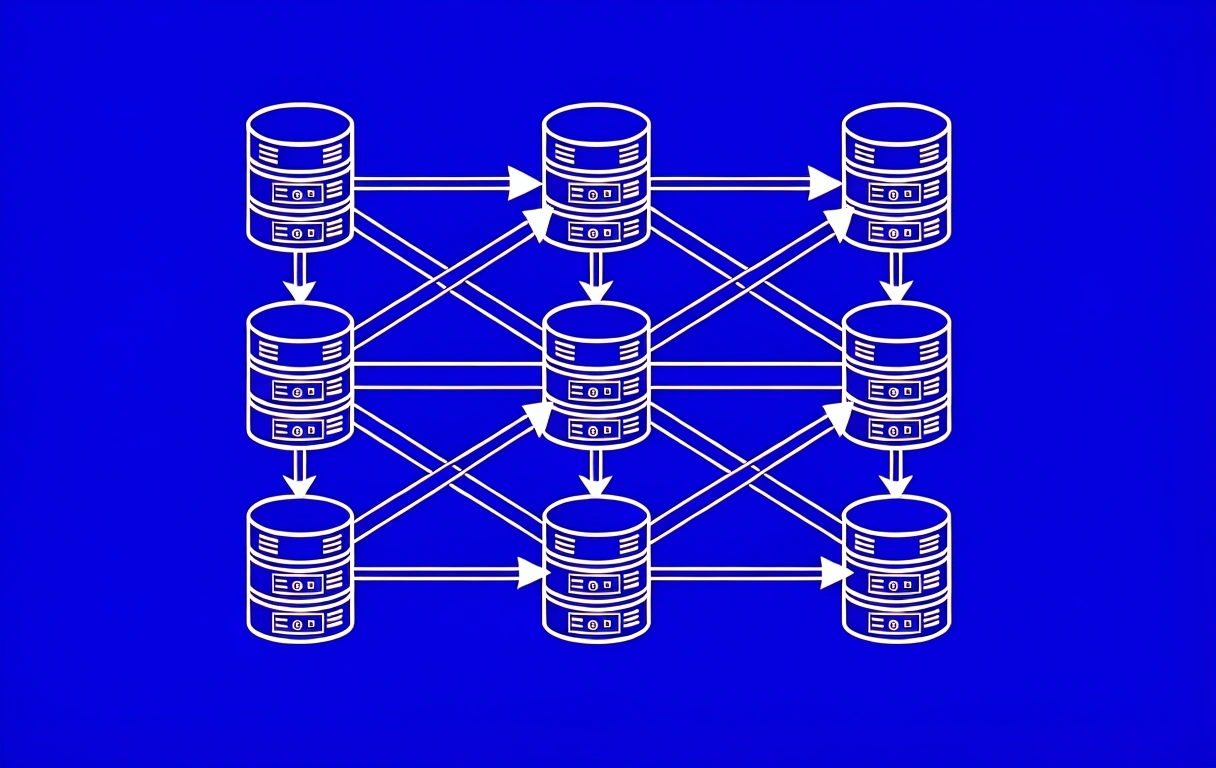
Network Logic
Our system limits third-party integration to essential security and fonts protocols only, minimizing external data-leakage vectors.
External Dependencies
While Employee Portal Guide is a standalone educational platform, some assets are delivered via content delivery networks (CDNs) or secured through external authentication layers to ensure 99.9% availability of our employee self service guides.
CDN Architecture
We use global CDNs to serve high-resolution technical drawings and CSS frameworks. These services may log transient user information to prevent Distributed Denial of Service (DDoS) attacks and ensure edge-node efficiency.
Security Layers
Embedded security scripts like reCAPTCHA may deploy their own cookies to differentiate between human researchers and automated bots attempting to scrape our portal directory database.
Related Documentation
Technical Inquiries
For specific technical questions regarding our cookie implementation or to request a full data audit, please contact the System Architecture team directly.
System Summary
- Legal Name Employee Portal Guide
- Revision Status Active & Compliant
- Audit Cycle Annual Recurring
- Location California, USA