
Personal Data
Integrity
Protocols
Corporate employee self service platforms are the gateway to your financial identity. This blueprint defines the mandatory defense layers required to secure your payroll, benefits, and personal identifiers against unauthorized access.
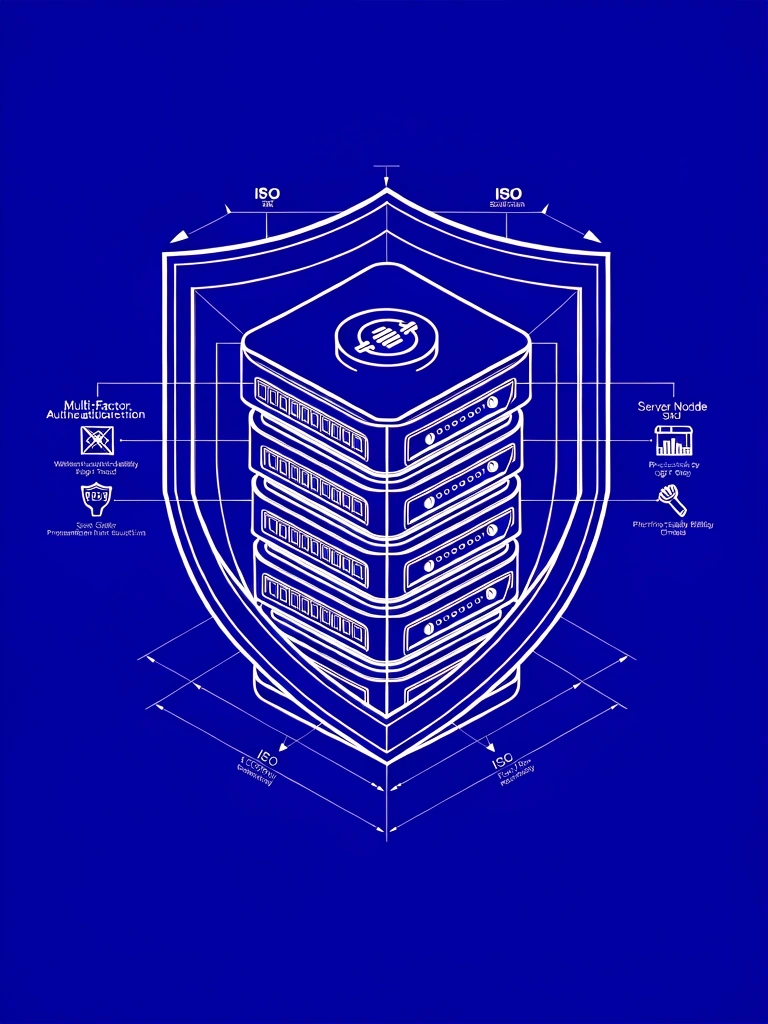
The Defense-in-Depth Model
Security is not a single barrier; it is a series of concentric checks. When utilizing employee self service tools, your actions dictate the strength of these boundaries. We have mapped the critical failure points in the modern workforce portal ecosystem.
MFA Activation
Multi-Factor Authentication is the primary barrier. Ensure your portal is linked to a physical security key or a dedicated authenticator app rather than standard SMS, which remains vulnerable to SIM-swap intercepts.
- ● Link biometric hardware where possible.
- ● Generate paper-based backup codes.
Network Isolation
Never access payroll or sensitive tax documents via public Wi-Fi. Unencrypted networks allow for "Man-in-the-Middle" attacks where portal credentials can be harvested in real-time.
Session Hygiene
Shared workstations in corporate breakrooms are high-risk zones. Manual logout is mandatory. Browser "Remember Me" functions should be strictly disabled for all workforce portal domains.
Safety Alert 2026
Recent portal-phishing trends observed targeting tax withholding modules.

The Logic
of Phishing
Check the Origin Header
Official communications regarding employee self service will never originate from public domains (@gmail.com, @outlook.com). Verify the specific sub-domain used by your provider (e.g., yourcompany.workday.com).
Payload Awareness
Secure portals will never ask you to download .zip or .exe files to "view your paystub." All legitimate documents are rendered server-side or provided as standard PDF format with internal encryption.
Urgency Red Flags
Fraudulent emails often use "immediate suspension" threats to bypass critical thinking. Real administrative locks follow a documented grace period and physical verification process.
Credential
Compromise
If you suspect your credentials have been leaked, speed is the only metric that matters. Follow these procedural steps to lock your digital identity immediately.
Phase 01: Isolation
Logout from all active sessions. Most enterprise portals have a "Force Global Logout" button in the security settings. This invalidates all current browser cookies and session tokens.
Required: ImmediatePhase 02: Rotation
Change your primary password via a trusted network only. The new password must not share elements with previous iterations. We recommend a 16-character alphanumeric string generated via vault.
Required: T+5 MinutesPhase 03: Verification
Audit your "Direct Deposit" and "Mailing Address" sections first. These are the most common targets for redirection by malicious actors seeking to intercept payroll or tax filings.
Priority: CriticalPhase 04: Hardware
If your account was breached despite having MFA enabled, your mobile device may be compromised. Pivot all authentication tasks to a separate, clean hardware security key.
Priority: StructuralStandardized Security Compliance
Our guidelines align with SOC2 and ISO 27001 best practices for workforce data management. Protecting your identity is a shared responsibility between the user and the system provider.