Mastering
the Digital
Workforce.
A high-density instructional manual for navigating modern employee self service ecosystems. We decode complex HRIS logic into linear, executable actions, ensuring accuracy in personal data management.
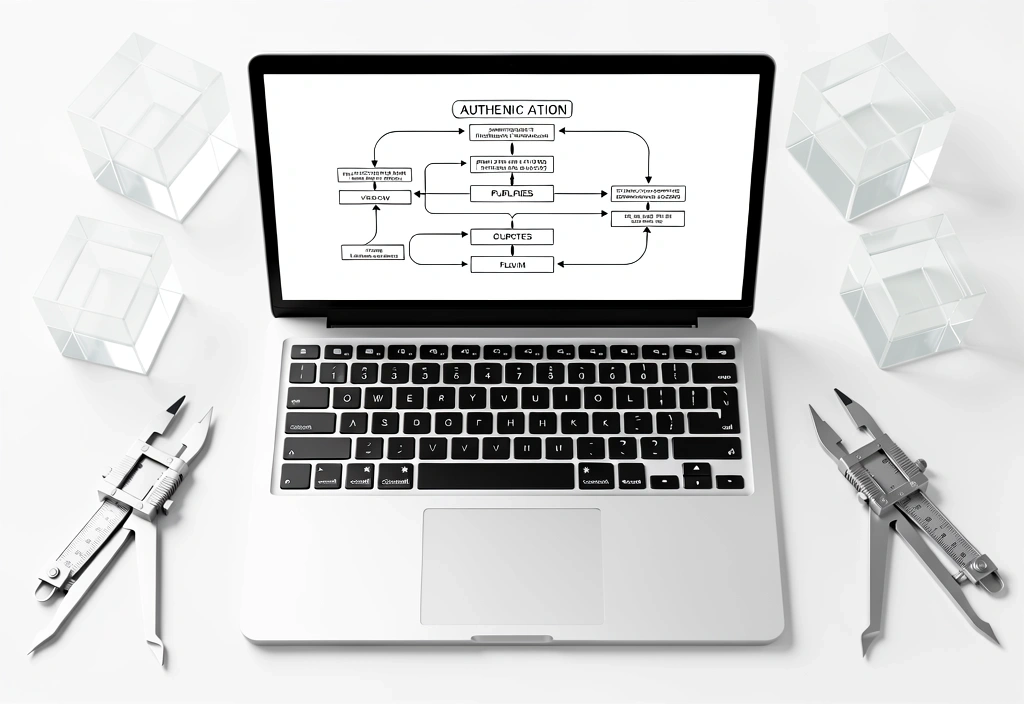
Circuit Flow
Unlike standard user manuals, our Circuit Logic identifies the critical data paths required for employee self service success. Use these frameworks to bypass navigational errors.
Step 1: The Gateway
Access requires multi-factor authentication (MFA). Ensure your physical security key or mobile authenticator is active. Most session failures occur at this synchronization layer before the main dashboard renders.
- • Authenticate via Single Sign-On (SSO)
- • Confirm identity via push notification
Step 2: Input Verification
Navigating to the Payroll or HR module requires precise data entry. When updating tax withholding or direct deposit details, the system performs real-time verification against banking routing databases.

Step 3: Signature & Submission
Finalization involves a timestamped digital signature. Once "Submit" is triggered, the data enters the corporate ledger. A confirmation hash is typically sent to your registered company email within 60 seconds.
View Final Review Spec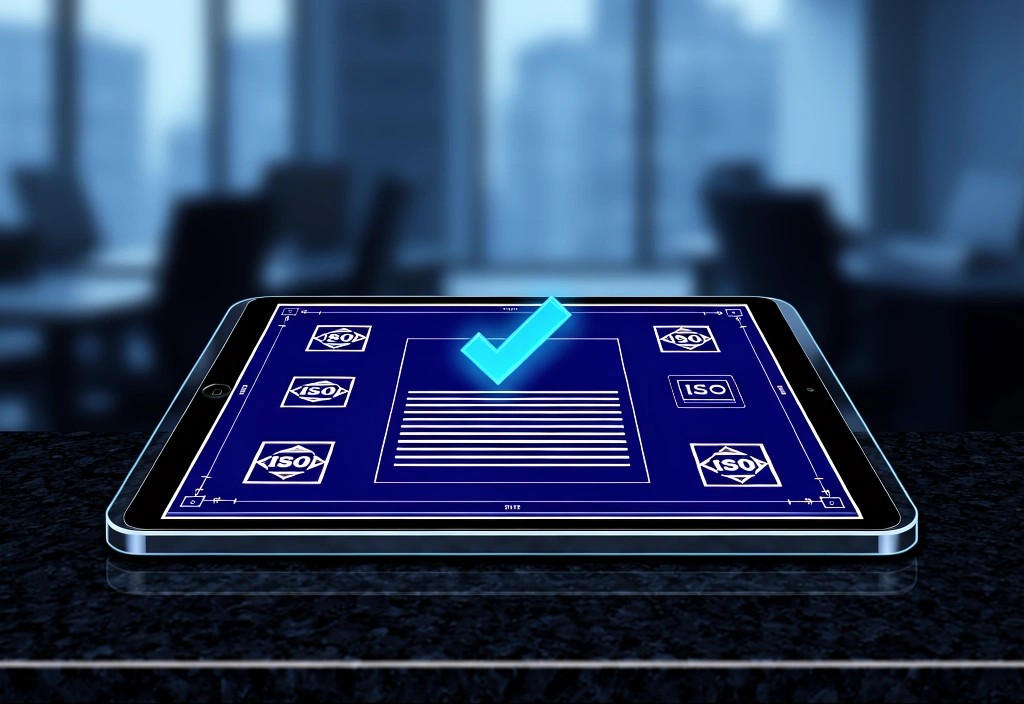
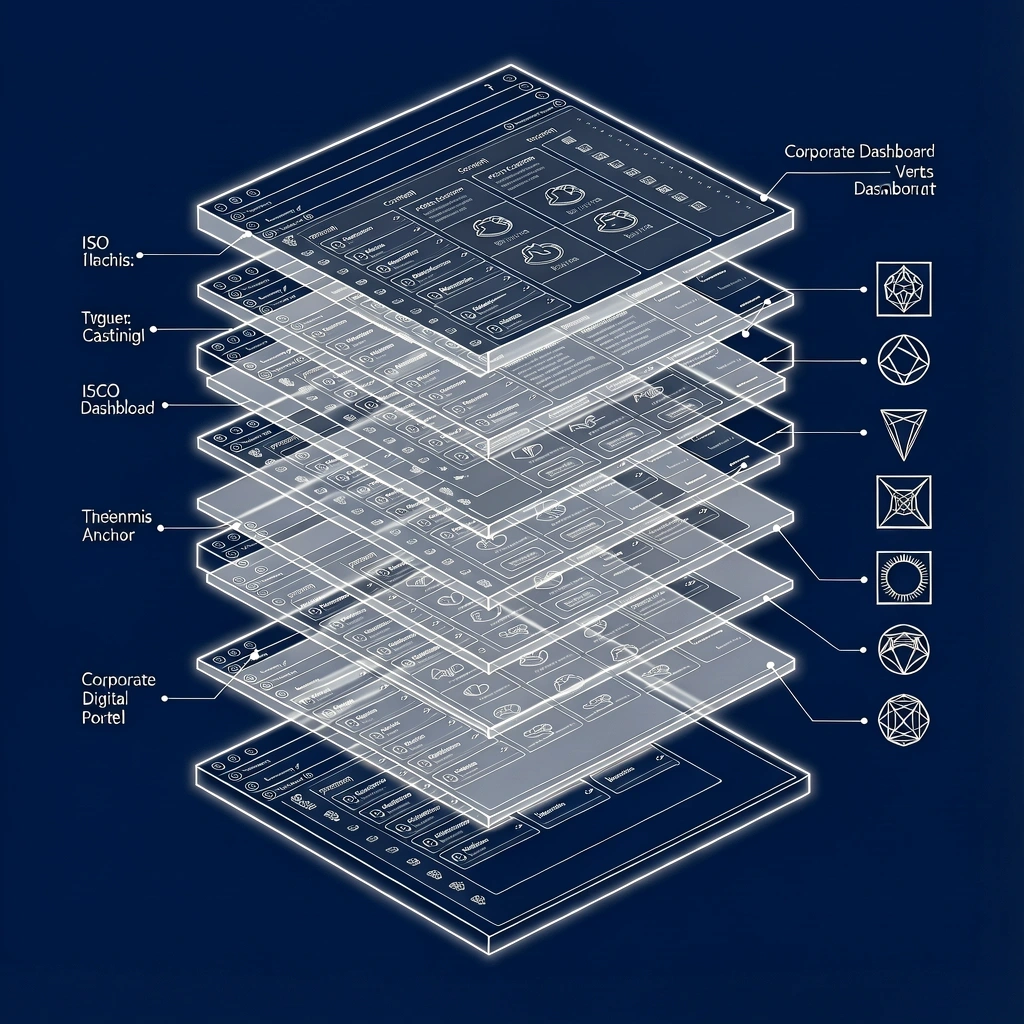
The Portal X-Ray
We strip away custom company branding to reveal the functional skeleton of the employee portal. Understanding these three primary clusters allows you to navigate any HRIS vendor platform with 100% confidence.
Payroll Engine
The core module for paystubs, tax withholding (W-4), and direct deposit management. Instructions focus on banking verification logic and annual tax document retrieval.
Time & Accumulation
Workflow tutorials for requesting Paid Time Off (PTO), viewing accrual balances, and submitting weekly timesheets. Essential for hourly and salaried performance tracking.
Health & Benefits
Conceptual walkthroughs for annual open enrollment, qualifying life events, and beneficiary management. Designed to mitigate risks during critical benefit windows.
Operating
Principles
Standardization
Our guides apply to modern ERP stacks including Workday, SAP SuccessFactors, and ADP. While UI "skins" vary, the logic remains constant.
Data Boundary
We provide navigational frameworks. We do not store, process, or access your sensitive employee data. Your security is maintained within your employer's firewall.
Mobile Pathing
Use the dedicated mobile walkthroughs for on-the-go leaf requests and shift swapping. Android/iOS specific navigational paths are updated monthly.
Tax Updates
Tutorials for W-4 adjustments ensure your withholding reflects current IRS or state regulations. Critical for avoiding underpayment penalties.
Security Hygeine
Learn how to audit your own portal access logs and manage your personal session timeouts for maximum account protection.
FAQ Sync
If your dashboard diverges from our schematics, use the "Common UI Deviations" guide to match functional nodes.
Need a Specific Tutorial?
The Employee Portal Guide queue is open for custom workflow requests from corporate teams.
Los Angeles, CA 90012, USA
Sat-Sun: Offline / Scheduled Maintenance
Employee Portal Guide provides conceptual instruction only. We are not an HRIS provider or a legal advisory body. Last Manual Revision: 2026-05-06